


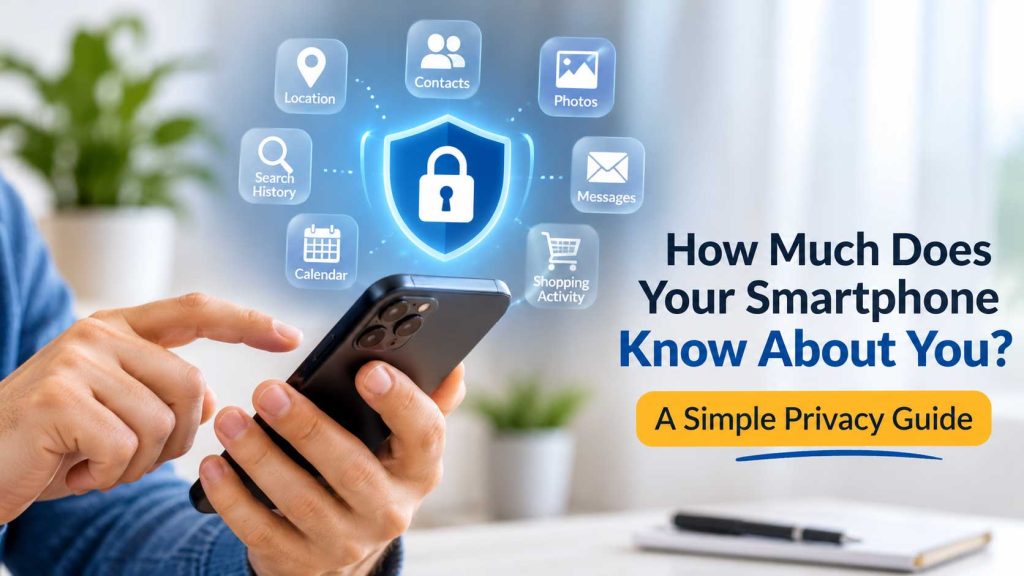



How Much Does Your Smartphone Know About You? A Simple Privacy Guide
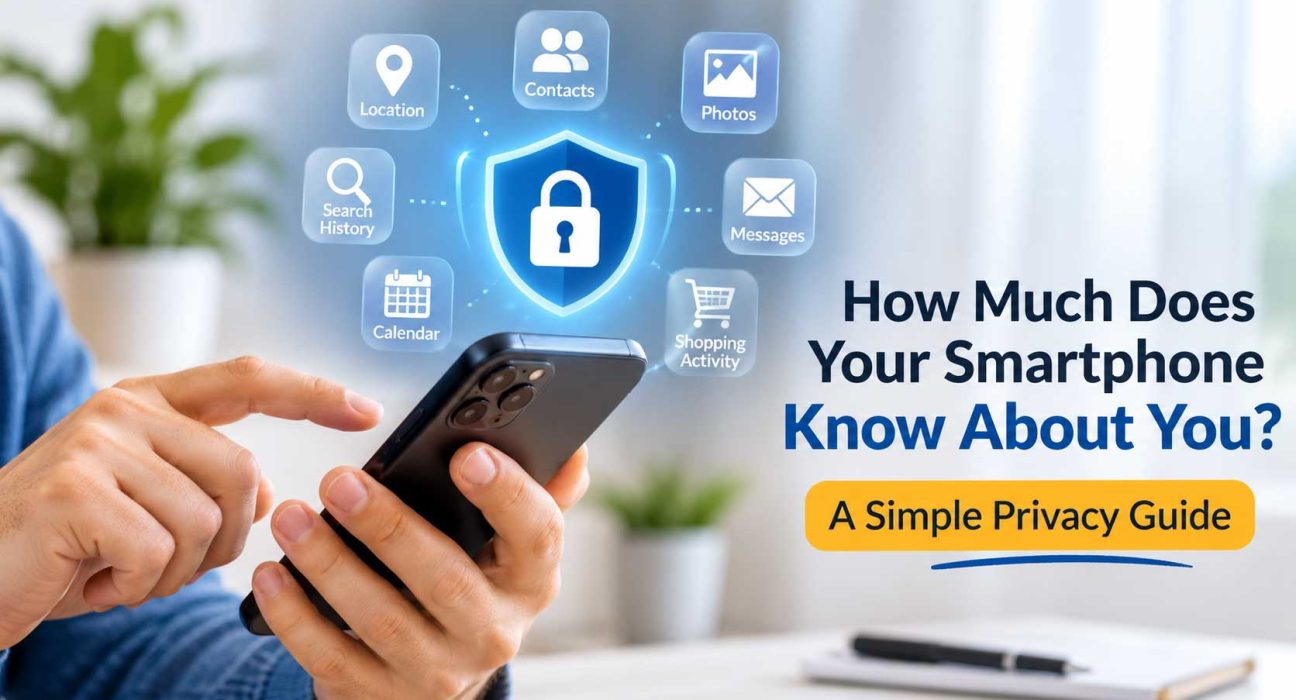
Today, almost all of us depend on our smartphones for every small task, from connecting with people and navigating unfamiliar streets to remembering appointments, taking and sharing photos, searching for information, revisiting memories, and buying or selling things. No doubt, smartphones have made life more comfortable by making many everyday chores quick and effortless.
However, the more we rely on our smartphones and share personal information through them, the more privacy becomes a concern. With smartphones knowing so much about us, the privacy risks are hard to ignore.
From location history to browsing and search activity, your phone can reveal more about your personal life and daily habits than you might realise. Understanding how this information is collected can help you take control of your digital privacy.
This guide explains what your smartphone knows about you, how it uses that information, and how you can protect it.
What Does Your Smartphone Actually Know?
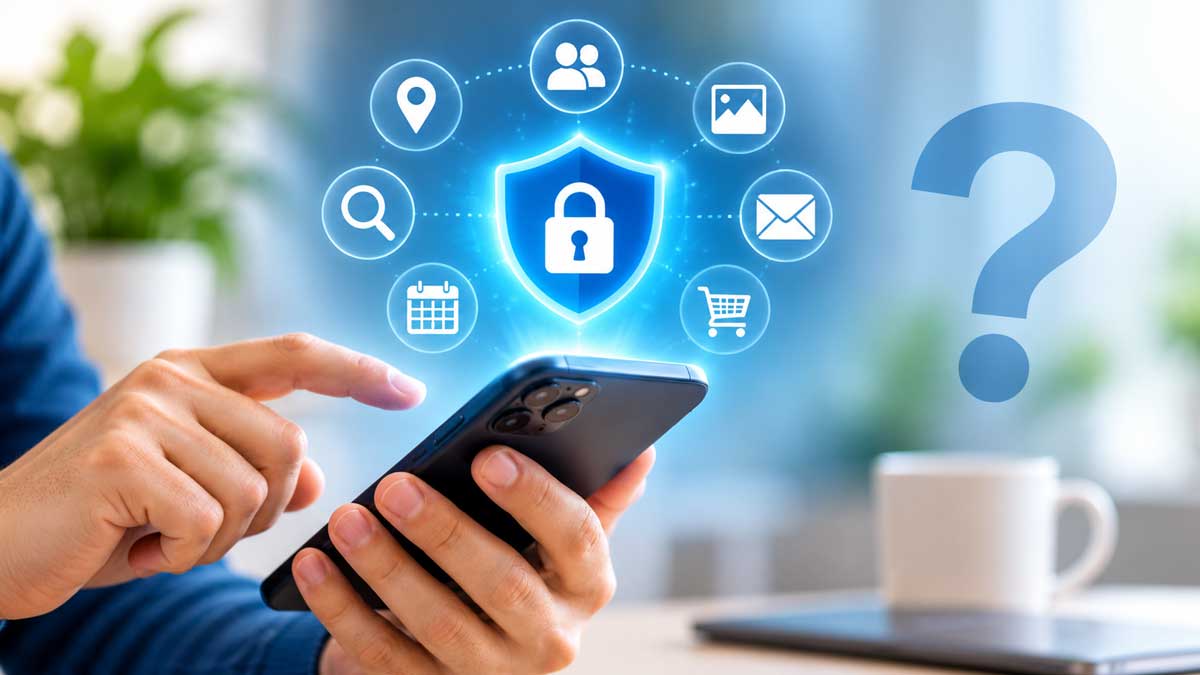
Your smartphone is a pocket-sized sensor hub that creates small pieces of digital information every time you use it. This may seem unimportant, but when combined, they can build a detailed picture of your interests, routines, and behaviour.
Depending on your settings and apps, it can collect:
1. Location and Daily Routine
Your phone can determine your location using GPS, Wi-Fi networks, mobile networks, and Bluetooth signals. This could mean it knows where you live, work, shop, eat, and travel.
Depending on your device, settings, and the permissions you grant, apps may use this information to:
- Provide directions and traffic updates.
- Recommend nearby restaurants, shops, and services.
- Track deliveries and ride-sharing journeys.
- Record location history or visited places.
- Personalise advertisements based on your location.
2. Browsing and Search Activity
Search engines, apps, and websites can collect information about the content you interact with online.
This may include:
- Products and services you search for.
- Videos you watch.
- Topics you frequently look for.
- Links and ads you click on.
This information helps apps understand your interests and personalise your recommendations. That is why you see ads related to something you recently searched for.
3. Contacts, Photos, Messages, and Personal Files
Some apps with access to your contacts, photos, messaging apps, and personal files may gather your personal information such as your contact list or image metadata.
For example:
- A messaging app may ask permission to access your contacts to help you find people you know.
- A photo-editing app may need access to your photos to edit them.
Having an app installed doesn’t automatically mean it can access everything on your phone. Access usually depends on the permissions you grant and how the app is designed.
4. Microphone and Camera Access
Apps that allow video calls, voice messages, and other related features require microphone and camera access. Other apps such as gaming, shopping, and social media platforms may sometimes request camera or microphone access for specific features. Before granting permission, consider whether the access is necessary and review when the app is allowed to use these features.
5. App Usage and Device Information
Your smartphone and installed apps may collect information related to your device usage and behaviour.
This can include:
- Apps you open and how often you use them.
- Device model and operating system.
- Language and general settings.
- Advertising identifiers and other technical information.
- Interactions with notifications and in-app content.
Businesses use this information to improve their services, measure advertising performance, or personalise your experience.
Why Is This Data Collected?
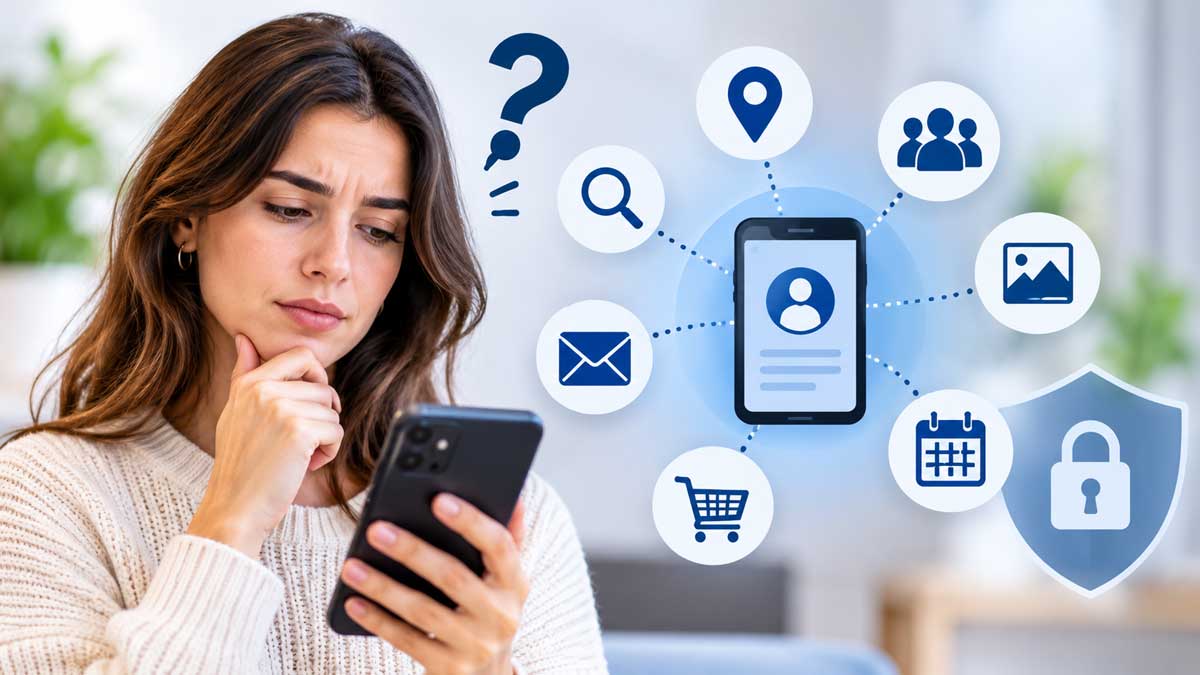
Apps need certain information to work properly and improve their services. However, not every app needs access to everything on your phone.
For instance:
- A navigation app needs your location to provide directions.
- A weather app needs your location to show local forecasts.
- A shopping app gathers information related to your searches to make product recommendations.
Personal information supports targeted advertising and marketing. Companies collect this data to understand what users search for, which products interest them, and where they spend time, so they can make advertising more relevant. Depending on the service’s policies and settings, they may also share information with advertising partners or other third parties.
Who Can Use This Data?
Data collected through your smartphone and the apps you use is often accessed or used by different parties, depending on the service and its privacy practices. These can include:
- App Developers to fix bugs, improve features, and understand their product usage. This is the most common use.
- Advertisers to show you ads based on your interests, location, and behaviour.
- Data brokers who buy and sell information about people and sometimes combine data from many apps into one profile to resell it.
- Criminals who exploit leaked and stolen data for phishing attacks, scams, and identity theft. A breach in one company can expose data of millions of users.
10 Simple Steps to Protect Your Privacy
In order to protect your personal information and privacy, you do not need to stop using your favourite apps or avoid technology. A few simple steps can make a meaningful difference.
1. Review App Permissions
Open your phone’s privacy settings and check which apps can access your location, camera, microphone, contacts, and photos. Remove permissions an app doesn’t need to perform its main function.
On most Android devices, you can find these options under Settings and Privacy or Permission Manager. On an iPhone, go to Settings and select Privacy & Security.
2. Limit Location Sharing
Not every app on your phone needs constant access to your location. Wherever possible, choose options such as “Allow Only While Using the App” instead of allowing constant background access. You can also disable location access for apps that do not need it. Where available, share approximate rather than precise location.
3. Review and Remove Apps
Be careful when installing new apps, and check existing apps too. Check the developer, reviews, privacy information, and requested permissions. Delete unnecessary or old apps, as they may keep collecting data and can stop receiving security updates.
4. Keep Your Phone and Apps Updated
Update your phone and apps regularly. Software updates often include security fixes and privacy improvements. Turn on automatic updates so you stay protected without having to remember.
5. Use Strong Security Settings
A strong passcode or biometric lock protects everything on the device if it’s stolen or lost and prevents unauthorised access. Use a strong screen lock and enable two-factor authentication for important accounts.
6. Use Strong, Unique Passwords
Don’t reuse the same password across multiple accounts, as one breach could put several accounts at risk. Use a different, strong password for each important account. You can use a password manager to create and store them for you.
7. Limit Ad Tracking
You can restrict personalised ads and reset your advertising ID on both Android and iOS. This doesn’t stop ads completely but reduces how closely they follow you from app to app.
8. Check Photo Sharing
Photos can carry location data. Many phones let you remove it before sharing, and most social media platforms strip it from public posts, but not always from messages or direct file transfers. Turn off location tags in your camera settings or remove location data in the share menu before sending photos.
9. Be Careful on Public Wi-Fi
Be aware of open networks in cafes, airports, and hotels. Avoid entering banking information or passwords on them, or use a reputable VPN.
10. Set Up Remote Lock and Wipe
Turn on “Find My Phone” (iOS) or “Find Hub” (Android) so you can locate your phone if it’s lost or stolen, and remotely lock or erase it before anyone accesses your data.
Quick Five-Minute Privacy Check You Can Do Now
- Open your phone’s privacy dashboard or permission manager.
- Check which apps have recently accessed your location, microphone, or camera.
- Delete three apps you no longer use.
- Switch your main apps from “Always” to “While Using”.
- Turn on automatic updates.
Warning Signs: When to Be Cautious About an App
Be cautious if an app:
- Asks for permissions that don’t match its purpose.
- Won’t work unless you accept every request.
- Has few reviews, vague developer details or no privacy policy.
- Comes from outside the official app store.
Frequently Asked Questions
What personal information can a smartphone collect?
Depending on your device, settings, and installed apps, your smartphone can collect location information, browsing activity, app usage, contacts, photos, device details, and other technical data.
Can I stop my phone from collecting data entirely?
Not completely. Some data collection is necessary for the basic functioning of the phone and apps, as well as for security. However, you can reduce data collection substantially by limiting app permissions, location access, and unnecessary tracking.
How often should I check my smartphone privacy settings?
A quick review every 3-6 months is a good habit. Also, run a check whenever you install a new app or update your operating system. This helps ensure your permissions and privacy preferences stay up to date.
Final Thoughts
Our smartphones collect more personal information than we may realise, but giving them up isn’t a practical solution today. The good news is that you don’t need to stop using your phone to protect your data. A few simple changes to app permissions, advertising settings, and everyday habits can make a big difference.
Taking a few minutes to review app permissions, limit location access, and update your security settings can help you stay in control of your personal information and make more informed decisions about your digital privacy.
Useful Privacy Resources
For more guidance on managing your smartphone privacy settings, you can visit: